How to use a 2FA secret key to generate security codes
A 2FA secret key generates time-based verification codes. This guide explains the difference between the secret, the current code, and recovery codes, and how to protect each one.
How does a 2FA secret key work?
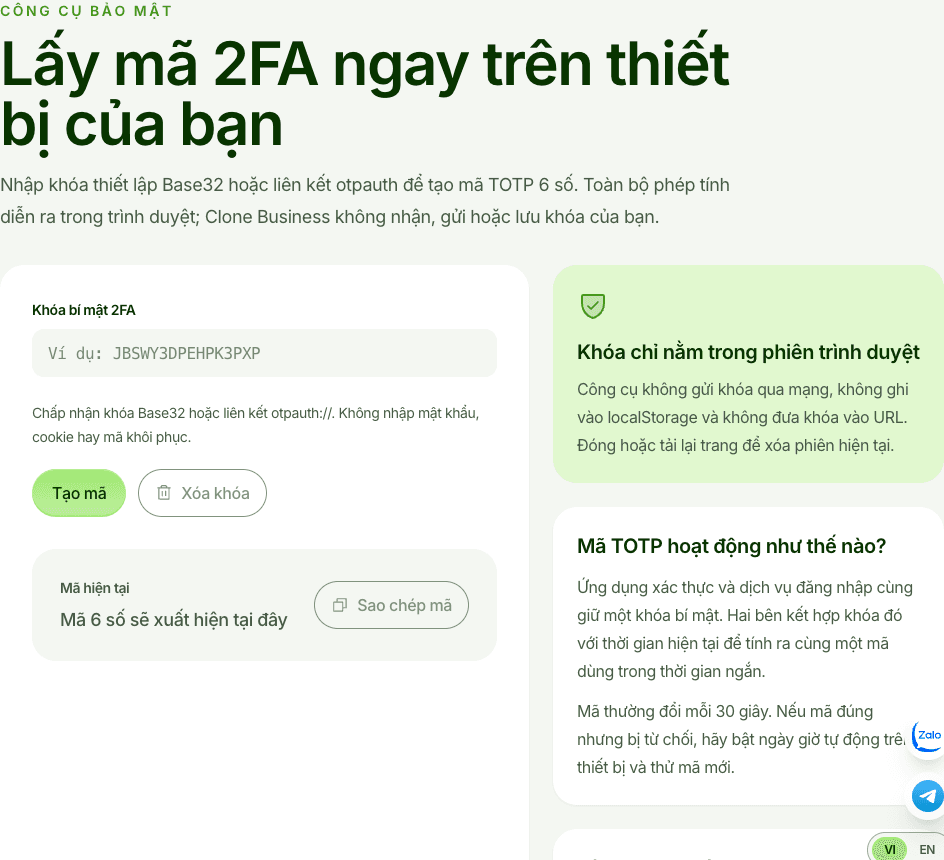
A 2FA secret key is a private string created when you enable app-based two-factor authentication. The authenticator app and the service combine this key with the current time to calculate a short-lived, usually six-digit one-time code. This is a TOTP code.
These three items are different:
- Secret key: the source used to generate codes. Never share or publish it.
- Current code: the number currently shown in your authenticator app, used to confirm setup or sign-in now.
- Recovery code: a one-time code issued by the service for use when you lose access to the authenticator.
Set up 2FA
- Open the service’s security settings and choose app-based two-factor authentication.
- Scan the QR code or copy the secret key into your authenticator app.
- Enter the current code shown by the app to complete verification.
- Store recovery codes offline where only you or an authorized administrator can access them.
You can also use the 2FA tool to generate a code from a secret key in a trusted environment. Check the domain before entering anything. The tool does not replace secure storage of your secret and recovery codes.
Common problems
- Invalid code: enable automatic date and time, wait for a fresh code, and try again.
- Codes keep failing: confirm the account and secret key; do not use a recovery code in place of the current code.
- Authenticator lost: use a recovery code or the service’s official account-recovery process.
Never send a secret key, current code, or recovery code to an unknown person. If the secret has been exposed, reset 2FA, revoke suspicious sessions, and change the password. The guide to Facebook cookie sign-in explains why session data also deserves careful protection.
Checklist
- [ ] Automatic date and time is enabled.
- [ ] The secret key is stored privately and never shared.
- [ ] Recovery codes are stored securely.
- [ ] You have tested account recovery before an emergency.
Visual references